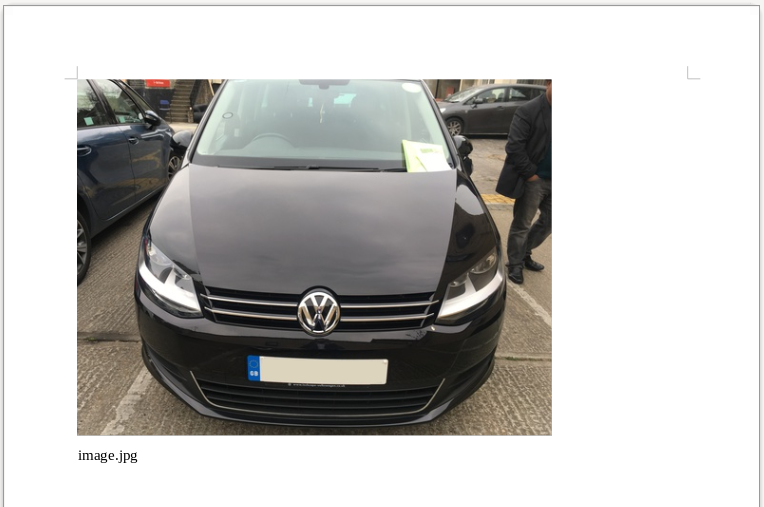
Images
Images can be rendered into the report using the special image syntax:
% field
We put a percentage sign before the name of the field that contains the image url.
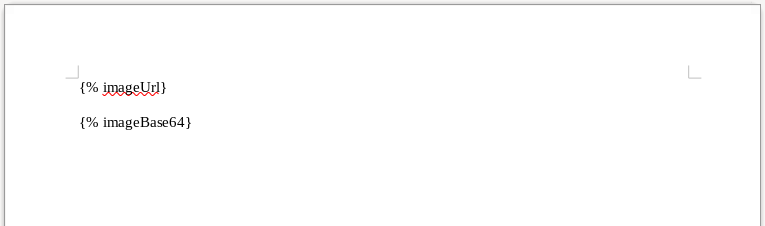
When the report is rendered, it would look like this:
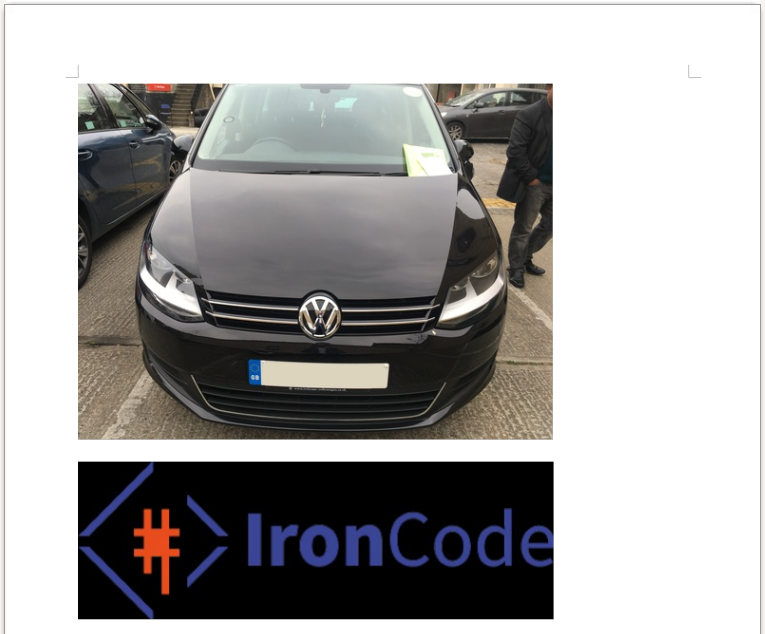
Very often we will want to display ALL the images that are attached to the job. We want to loop over all the photos and display them. To achieve this we can combine the loop and image syntax:
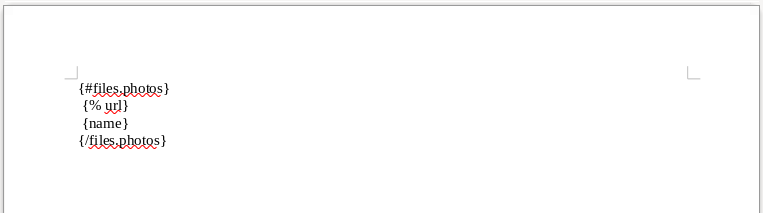
When the report is rendered, it would look like this: